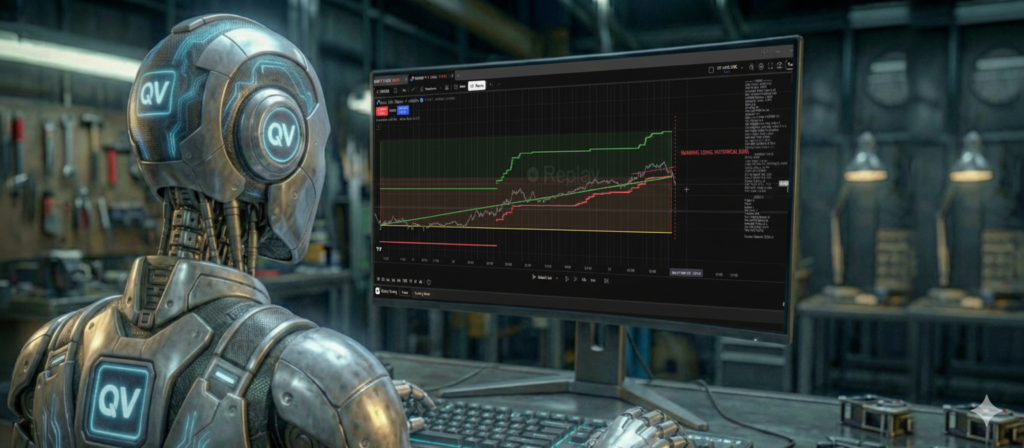
In Part 3, we looked at how Time Emulation allows us to see the market with higher-timeframe stability while executing with 1-minute precision.
Now, we arrive at the most critical phase of any trade: Management.
Novice traders obsess over entries. They spend years tweaking indicators to find the perfect moment to buy. Professional investors know that the entry is just the invitation to the party. Whether you leave that party with a profit or a loss depends entirely on how you manage the position once it is live.
Most retail trading scripts operate on a “Set and Forget” basis. They place a Stop Loss and a Take Profit, and then they go to sleep. The QuantView Framework stays awake.
In the QV with MA Crossover demo, the system utilizes a sophisticated engine called manageOpenPosition. This logic runs on every single tick, constantly evaluating if the trade needs to be adjusted to protect your capital.
The “Break Even” Protocol: Securing the Free Ride
One of the most powerful psychological tools in trading is the “Risk-Free” trade. This happens when you move your Stop Loss to your entry price. If the market turns against you, you lose nothing.
However, standard scripts often get this wrong. They move the stop exactly to the entry price. In the real world of commissions and spreads, hitting your entry price actually results in a small loss.
QuantView does it differently.
1. Configurable Triggers
We don’t force you into a rigid structure. In the QV with MA Crossover settings, you can define your Break Even Trigger %.
• Do you want to secure the trade early? Set it to 25%. If the price moves 25% of the way to your target, the stop moves.
• Do you want to give the trade room to breathe? Set it to 75%.
2. The “Profit Buffer”
When the Break Even triggers, QuantView does not move the stop to your entry price. It moves it to Entry + Buffer. The Framework uses the Break Even ATR Multiplier (default 0.5) to calculate a small profit buffer above your entry.
• Why? This ensures that if you get stopped out at “Break Even,” you have covered your broker’s spread and swap fees, and perhaps bought yourself a coffee. It turns a “scratch trade” into a true non-event.
Advanced Stop Loss Logic: “Per Candle” vs. “Classic”
Once a trade is winning, when do you get out?
If you exit too early, you leave money on the table. If you stay too long, a winner turns into a loser. QuantView solves this with Sliding Stops. In the settings, you will see a dropdown for Sliding Stop Type. Understanding the difference between the two main modes is vital for your strategy.
Mode A: Classic Trailing (The Ratchet)
This is what most traders are familiar with. As the price moves up, your Stop Loss moves up with it, maintaining a fixed distance (based on volatility/ATR).
• The Behavior: The Stop Loss acts like a ratchet. It can go up, but never down.
• The Take Profit: In Classic mode, your Take Profit target stays fixed.
• The Result: You are effectively “squeezing” the price between your rising Stop Loss and your fixed Take Profit. This increases the probability of hitting one of them quickly. It is excellent for scalping or ranging markets.
Mode B: Per Candle (The Channel)
This is a QuantView specialty, designed for trend following.
• The Behavior: When the price moves up, the Stop Loss moves up and the Take Profit moves up.
• The “Channel”: The system effectively creates a dynamic channel around the price. If the trend is strong (like a powerful 3rd wave), the Take Profit keeps moving away from the price, refusing to cap your gains.
• The Result: You stay in the trade as long as the trend continues. You don’t get taken out by an arbitrary profit target. The trade only ends when the trend bends and hits your trailing stop. This is how you catch the “Home Run” trades that cover ten losses in a single move.
The “Muscle” in Action
All of this logic happens inside the Framework’s manageOpenPosition function. It isolates the complexity of the math from the simplicity of your strategy.
When you use the QV with MA Crossover, you don’t need to write code to calculate ATR multipliers or handle spread buffers. You just check the box for “Use Break Even” and select “Per Candle” or “Traditional Trailing” from the dropdown menu.
The Framework handles the rest, ensuring that every trade is managed with the precision of an institutional algorithm.
Take Control of Your Exits
Don’t let a good trade turn bad because of lazy management. Experience the difference of a system that actively fights to protect your account.
Download the QV with MA Crossover demo today. Open the settings, experiment with the Break Even Trigger %, and try switching between Per Candle and Classic modes to see how they drastically change the outcome of the exact same entry signal.
[Download the Free QV with MA Crossover Demo Here]
Now that we have managed the trade, we need to ensure that the price we see on the chart is the price we actually get. In Part 5, we will discuss Order Management and how QuantView handles the messy reality of Broker Spreads.